
设备:非 root 的 Android 设备(小米 mix2s),测试机有的机器是 root 不了的,总之得考虑 root 不了的设备执行 Linux 命令的情况。
开发工具:Android studio
开发语言:kotlin
自己在 GitHub 上找到了一个库,lubsu,根据 readme 绑定了一个 Rootservice ,发现不起作用,logcat 中也没有 log 打印。
aidl 文件
// ShellServiceInterface.aidl
package com.example.shellexecutor;

// Declare any non-default types here with import statements

interface ShellServiceInterface {
    String getShellCommandExecResult();
    IBinder getFileSystemService();
}
Service
package com.example.shellexecutor

import android.content.Intent
import android.os.IBinder
import android.util.Log
import com.topjohnwu.superuser.Shell
import com.topjohnwu.superuser.ipc.RootService
import com.topjohnwu.superuser.nio.FileSystemManager

class ExecuteRootCommandService : RootService() {

    class ExecRootShellBinder : ShellServiceInterface.Stub() {
        override fun getShellCommandExecResult(): String {
            val tag = "CommandResult"
            var result = ""
            val resp = Shell.cmd("ls -lrth").exec();
            result = if (resp.isSuccess) {
                Log.d(tag, resp.out.toString())
                resp.out.toString()
            } else {
                Log.d(tag, resp.err.toString())
                resp.err.toString()
            }
            return result
        }

        override fun getFileSystemService(): IBinder {
            return FileSystemManager.getService()
        }
    }

    override fun onBind(intent: Intent): IBinder {
        return ExecRootShellBinder()
    }

    override fun onCreate() {
        super.onCreate()
        Log.d("ExecuteCommandService", "onCreate executed")
    }


    override fun onDestroy() {
        super.onDestroy()
        Log.d("ExecuteCommandService", "onDestroy executed")
    }

}
MainActivity
package com.example.shellexecutor

import android.content.ComponentName
import android.content.Intent
import android.content.ServiceConnection
import android.os.Bundle
import android.os.IBinder
import android.util.Log
import android.widget.Button
import android.widget.EditText
import android.widget.TextView
import android.widget.Toast
import androidx.appcompat.app.AppCompatActivity
import com.topjohnwu.superuser.ipc.RootService


class MainActivity : AppCompatActivity() {
    class RootConnection : ServiceConnection {
        private val tag = "ShellConn"
        override fun onServiceConnected(name: ComponentName?, service: IBinder?) {
            Log.d(tag, "onServiceConnected")
            val ipc = ShellServiceInterface.Stub.asInterface(service)
            Log.d(tag, ipc.shellCommandExecResult)
        }

        override fun onServiceDisconnected(name: ComponentName?) {
            Log.d(tag, "onServiceDisconnected")
        }
    }

    override fun onCreate(savedInstanceState: Bundle?) {
        super.onCreate(savedInstanceState)
        setContentView(R.layout.activity_main)
        val intent = Intent(this, ExecuteRootCommandService::class.java)
        // bind service
        RootService.bind(intent, RootConnection())
        val content: EditText = findViewById(R.id.editTextTextPersonName)
        val bindButton: Button = findViewById(R.id.button1)
        val unbindButton: Button = findViewById(R.id.button2)
        val result: TextView = findViewById(R.id.textView)
        // create a shell
        bindButton.setOnClickListener {
            Toast.makeText(this, "assssssssasdasdfzsd", Toast.LENGTH_SHORT).show()
        }
        unbindButton.setOnClickListener {
//            RootService.unbind(rootConnection)
        }
    }
}
启动应用后 logcat 中的 log
2022-06-02 15:57:12.022 16213-16213/? I/e.shellexecuto: Late-enabling -Xcheck:jni
2022-06-02 15:57:12.039 16213-16213/? E/e.shellexecuto: Unknown bits set in runtime_flags: 0x8000
2022-06-02 15:57:12.383 16213-16213/com.example.shellexecutor I/Perf: Connecting to perf service.
2022-06-02 15:57:12.391 16213-16213/com.example.shellexecutor D/WM-WrkMgrInitializer: Initializing WorkManager with default configuration.
2022-06-02 15:57:12.414 16213-16213/com.example.shellexecutor I/FeatureParser: can't find polaris.xml in assets/device_features/,it may be in /system/etc/device_features
2022-06-02 15:57:12.424 16213-16213/com.example.shellexecutor E/libc: Access denied finding property "ro.vendor.df.effect.conflict"
2022-06-02 15:57:12.427 16213-16248/com.example.shellexecutor E/Perf: Fail to get file list com.example.shellexecutor
2022-06-02 15:57:12.427 16213-16248/com.example.shellexecutor E/Perf: getFolderSize() : Exception_1 = java.lang.NullPointerException: Attempt to get length of null array
2022-06-02 15:57:12.428 16213-16248/com.example.shellexecutor E/Perf: Fail to get file list com.example.shellexecutor
2022-06-02 15:57:12.428 16213-16248/com.example.shellexecutor E/Perf: getFolderSize() : Exception_1 = java.lang.NullPointerException: Attempt to get length of null array
2022-06-02 15:57:12.492 16213-16213/com.example.shellexecutor D/ForceDarkHelper: updateByCheckExcludeList: pkg: com.example.shellexecutor activity: com.example.shellexecutor.MainActivity@51e2a78
2022-06-02 15:57:12.493 16213-16213/com.example.shellexecutor D/ForceDarkHelper: updateByCheckExcludeList: pkg: com.example.shellexecutor activity: com.example.shellexecutor.MainActivity@51e2a78
2022-06-02 15:57:12.501 16213-16255/com.example.shellexecutor W/e.shellexecuto: Accessing hidden method Lmiui/contentcatcher/sdk/Token;-><init>(Ljava/lang/String;Ljava/lang/String;Ljava/lang/String;I)V (greylist, linking, allowed)
2022-06-02 15:57:12.501 16213-16255/com.example.shellexecutor W/e.shellexecuto: Accessing hidden method Lmiui/contentcatcher/InterceptorProxy;->getWorkThread()Landroid/os/HandlerThread; (greylist, linking, allowed)
2022-06-02 15:57:12.501 16213-16255/com.example.shellexecutor D/ViewContentFactory: initViewContentFetcherClass
2022-06-02 15:57:12.501 16213-16255/com.example.shellexecutor D/ViewContentFactory: getInterceptorPackageInfo
2022-06-02 15:57:12.501 16213-16255/com.example.shellexecutor W/e.shellexecuto: Accessing hidden method Landroid/app/AppGlobals;->getInitialApplication()Landroid/app/Application; (greylist, linking, allowed)
2022-06-02 15:57:12.502 16213-16255/com.example.shellexecutor D/ViewContentFactory: getInitialApplication took 0ms
2022-06-02 15:57:12.502 16213-16255/com.example.shellexecutor D/ViewContentFactory: packageInfo.packageName: com.miui.catcherpatch
2022-06-02 15:57:12.508 16213-16255/com.example.shellexecutor D/ViewContentFactory: initViewContentFetcherClass took 7ms
2022-06-02 15:57:12.508 16213-16255/com.example.shellexecutor I/ContentCatcher: ViewContentFetcher : ViewContentFetcher
2022-06-02 15:57:12.508 16213-16255/com.example.shellexecutor D/ViewContentFactory: createInterceptor took 7ms
2022-06-02 15:57:12.509 16213-16255/com.example.shellexecutor W/e.shellexecuto: Accessing hidden method Lmiui/contentcatcher/sdk/ContentCatcherManager;->getInstance()Lmiui/contentcatcher/sdk/ContentCatcherManager; (greylist, linking, allowed)
2022-06-02 15:57:12.509 16213-16255/com.example.shellexecutor W/e.shellexecuto: Accessing hidden method Lmiui/contentcatcher/sdk/ContentCatcherManager;->registerContentInjector(Lmiui/contentcatcher/sdk/Token;Lmiui/contentcatcher/sdk/injector/IContentDecorateCallback;)V (greylist, linking, allowed)
2022-06-02 15:57:12.510 16213-16255/com.example.shellexecutor W/e.shellexecuto: Accessing hidden method Lmiui/contentcatcher/sdk/ContentCatcherManager;->getPageConfig(Lmiui/contentcatcher/sdk/Token;)Lmiui/contentcatcher/sdk/data/PageConfig; (greylist, linking, allowed)
2022-06-02 15:57:12.511 16213-16255/com.example.shellexecutor W/e.shellexecuto: Accessing hidden method Lmiui/contentcatcher/sdk/data/PageConfig;->getFeatures()Ljava/util/ArrayList; (greylist, linking, allowed)
2022-06-02 15:57:12.511 16213-16255/com.example.shellexecutor W/e.shellexecuto: Accessing hidden method Lmiui/contentcatcher/sdk/data/PageConfig;->getCatchers()Ljava/util/ArrayList; (greylist, linking, allowed)
2022-06-02 15:57:12.535 16213-16213/com.example.shellexecutor W/e.shellexecuto: Accessing hidden method Landroid/view/View;->computeFitSystemWindows(Landroid/graphics/Rect;Landroid/graphics/Rect;)Z (greylist, reflection, allowed)
2022-06-02 15:57:12.536 16213-16213/com.example.shellexecutor W/e.shellexecuto: Accessing hidden method Landroid/view/ViewGroup;->makeOptionalFitsSystemWindows()V (greylist, reflection, allowed)
2022-06-02 15:57:12.552 16213-16213/com.example.shellexecutor D/ForceDarkHelper: updateByCheckExcludeList: pkg: com.example.shellexecutor activity: com.example.shellexecutor.MainActivity@51e2a78
2022-06-02 15:57:12.573 16213-16213/com.example.shellexecutor D/ForceDarkHelper: updateByCheckExcludeList: pkg: com.example.shellexecutor activity: com.example.shellexecutor.MainActivity@51e2a78
2022-06-02 15:57:12.598 16213-16213/com.example.shellexecutor D/ForceDarkHelper: updateByCheckExcludeList: pkg: com.example.shellexecutor activity: com.example.shellexecutor.MainActivity@51e2a78
2022-06-02 15:57:12.617 16213-16213/com.example.shellexecutor D/ForceDarkHelper: updateByCheckExcludeList: pkg: com.example.shellexecutor activity: com.example.shellexecutor.MainActivity@51e2a78
2022-06-02 15:57:12.622 16213-16213/com.example.shellexecutor D/ForceDarkHelper: updateByCheckExcludeList: pkg: com.example.shellexecutor activity: com.example.shellexecutor.MainActivity@51e2a78
2022-06-02 15:57:12.646 16213-16213/com.example.shellexecutor W/Looper: Slow Looper main: Activity com.example.shellexecutor/.MainActivity is 366ms late (wall=220ms running=200ms ClientTransaction{ callbacks=[android.app.servertransaction.LaunchActivityItem] lifecycleRequest=android.app.servertransaction.ResumeActivityItem }) because of 2 msg, msg 2 took 365ms (seq=2 running=342ms runnable=3ms late=3ms h=android.app.ActivityThread$H w=110)
2022-06-02 15:57:12.646 16213-16213/com.example.shellexecutor W/Looper: Slow Looper main: Activity com.example.shellexecutor/.MainActivity is 587ms late (wall=0ms running=0ms ClientTransaction{ callbacks=[android.app.servertransaction.TopResumedActivityChangeItem] }) because of 3 msg, msg 2 took 365ms (seq=2 running=342ms runnable=3ms late=3ms h=android.app.ActivityThread$H w=110), msg 3 took 220ms (seq=3 running=200ms runnable=5ms late=366ms h=android.app.ActivityThread$H w=159)
2022-06-02 15:57:12.672 16213-16249/com.example.shellexecutor I/AdrenoGLES: QUALCOMM build                   : e541a88, I20154638fb
    Build Date                       : 09/15/20
    OpenGL ES Shader Compiler Version: EV031.27.05.01
    Local Branch                     :
    Remote Branch                    : refs/tags/AU_LINUX_ANDROID_LA.UM.8.3.R1.10.00.00.520.058
    Remote Branch                    : NONE
    Reconstruct Branch               : NOTHING
2022-06-02 15:57:12.673 16213-16249/com.example.shellexecutor I/AdrenoGLES: Build Config                     : S P 8.0.11 AArch64
2022-06-02 15:57:12.675 16213-16249/com.example.shellexecutor I/AdrenoGLES: PFP: 0x016ee187, ME: 0x00000000
2022-06-02 15:57:12.676 16213-16249/com.example.shellexecutor W/AdrenoUtils: <ReadGpuID_from_sysfs:194>: Failed to open /sys/class/kgsl/kgsl-3d0/gpu_model
2022-06-02 15:57:12.676 16213-16249/com.example.shellexecutor W/AdrenoUtils: <ReadGpuID:218>: Failed to read chip ID from gpu_model. Fallback to use the GSL path
2022-06-02 15:57:12.695 16213-16249/com.example.shellexecutor W/Gralloc3: mapper 3.x is not supported
启动应用后,服务都没有被绑定成功。实在没招了,求助。
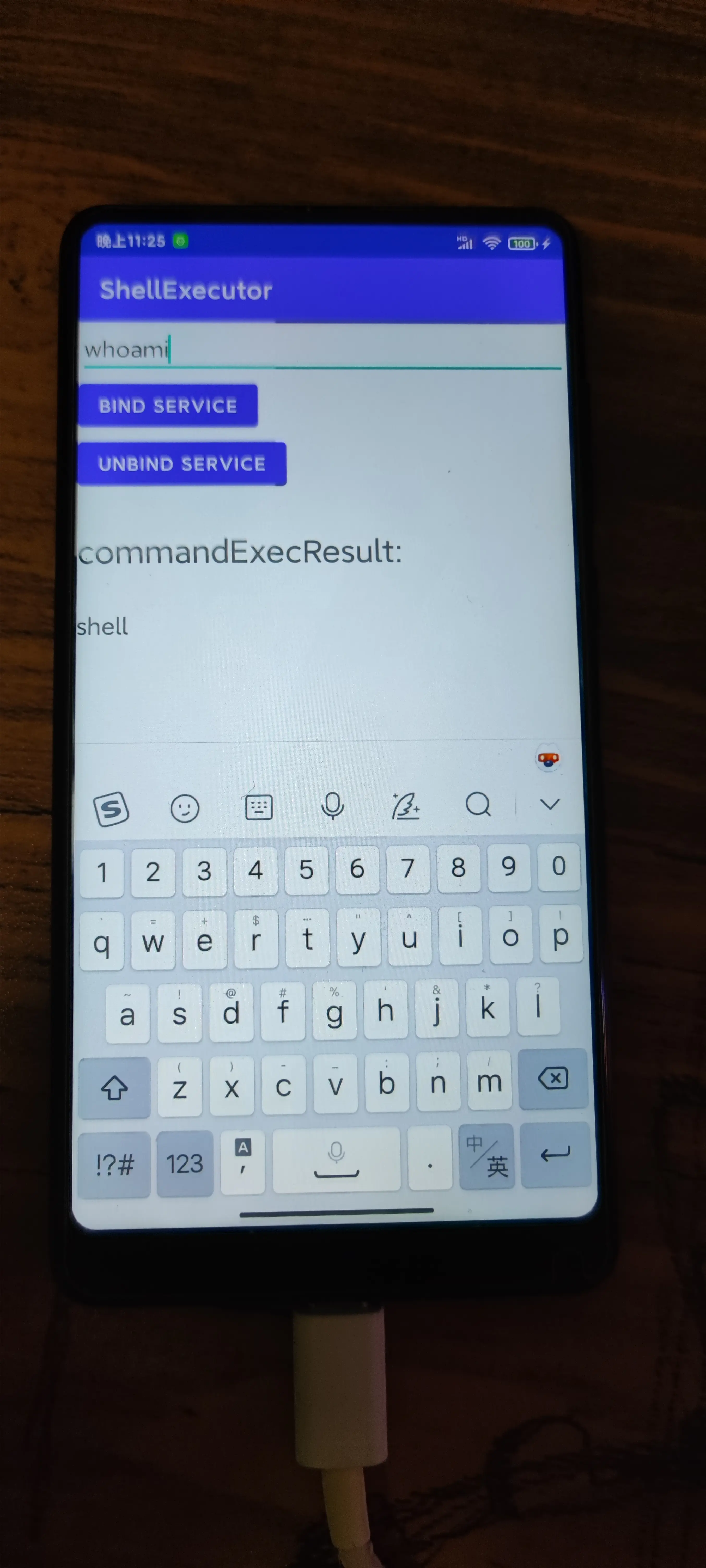
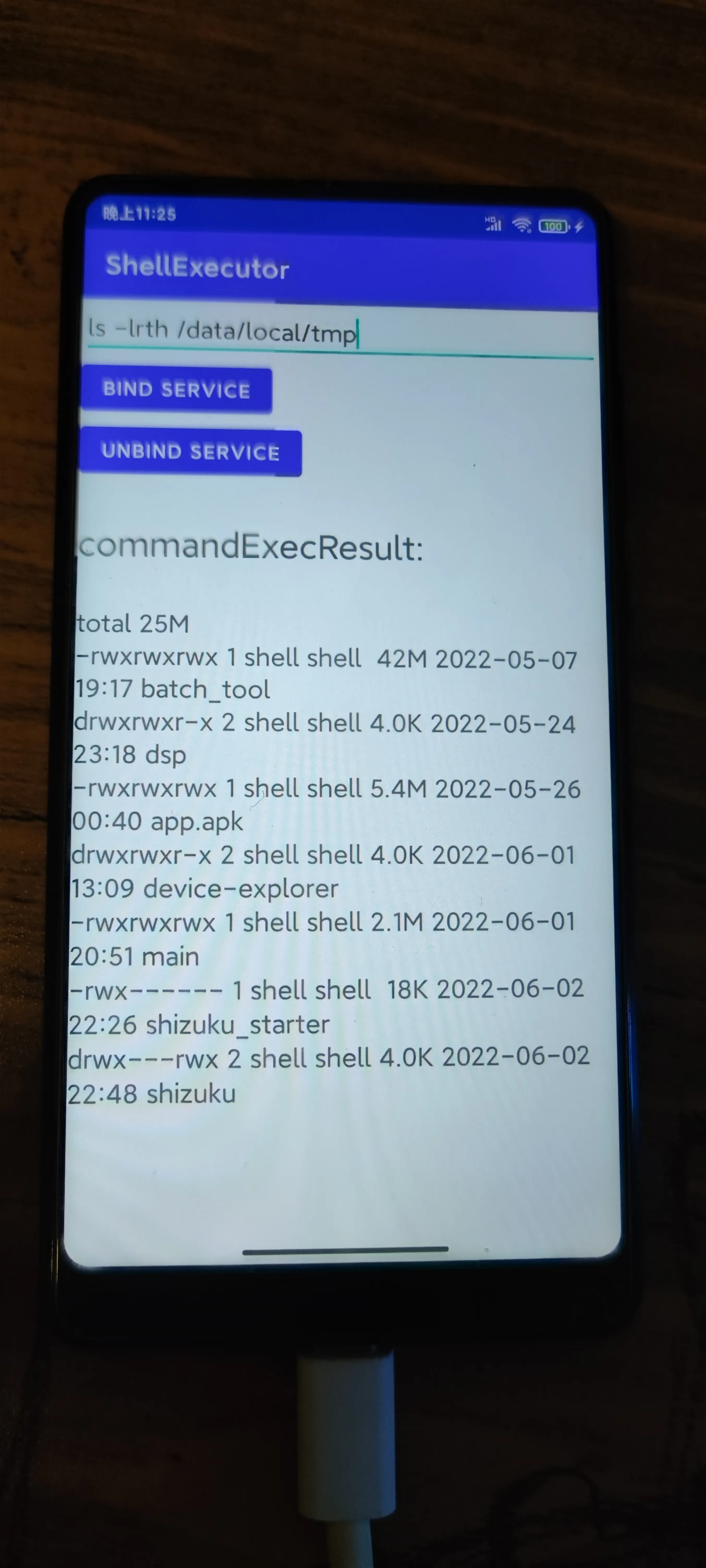


 1
1


 Select Language