
1.安装 Chez Scheme
下载地址 https://cisco.github.io/ChezScheme/ 推荐用 homebrew 安装
brew install chezscheme
2.安装 Code Runner

打开 vscode 中配置,设置用 chez 执行 scheme。
{
 "code-runner.executorMap": {
    "scheme": "chez"
  }
}
3.安装语言高亮插件 vscode-chez

4. HelloWorld
- 新建
hello.ss
; Hello World
(display "Hello World")
(exit)
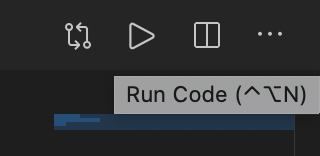
- 点击右上角按钮运行程序
[Running] chez "hello.ss"
Chez Scheme Version 9.5.2
Copyright 1984-2019 Cisco Systems, Inc.

Hello World
[Done] exited with code=0 in 0.115 seconds
原文

 Select Language