Distributions
› Ubuntu
› Fedora
› CentOS
中文资源站
› 网易开源镜像站
brucmao
V2EX  ›  Linux

wsl 取消代理不成功

  •  1
     
  •   brucmao · Aug 6, 2019 · 6028 views
    This topic created in 2647 days ago, the information mentioned may be changed or developed.

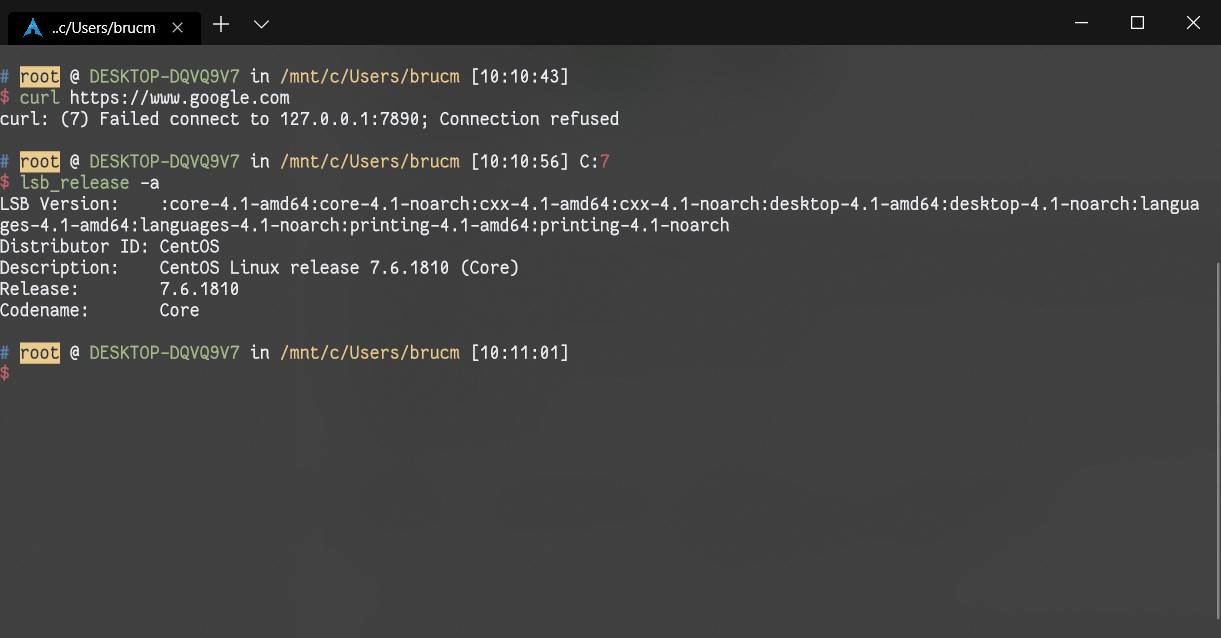
    前端时间在 wsl 设置了代理

    export http_proxy=127.0.0.1:7890
    export https_proxy=127.0.0.1:7890
    

    现在想取消代理,用了如下命令

    export http_proxy=
    export https_proxy=


    也尝试过用

    unset  http_proxy
    unset  https_proxy
    

    但是只能在当前窗口有效,我重开 windows terminal 发现没取消成功,怎么才能永远取消代理设置呢
    okampfer
    okampfer
    Aug 6, 2019
    1
    你设置代理具体是怎么设置的?

    检查你的~/.profile 和~/.bashrc 等等文件,有没有 export 代理相关的环境变量。
    usdf
    usdf
    Aug 6, 2019
    2
    命令行工具是什么
    jmc891205
    jmc891205
    Aug 6, 2019
    3
    grep http_proxy ~/.bash*
    brucmao
    brucmao
    OP
    Aug 6, 2019
    4
    我 sb 了,我在 ~/.zshrc 设置了,但是我用 vim ~/.zshrc 进去几次没找到,忘了翻页了!发 vi 和 vim 默认显示的位置不一样
    About   ·   Help   ·   Advertise   ·   Blog   ·   API   ·   FAQ   ·   Privacy   ·   Solana   ·   1360 Online   Highest 6679   ·     Select Language
    创意工作者们的社区
    World is powered by solitude
    VERSION: 3.9.8.5 · 26ms · UTC 20:58 · PVG 04:58 · LAX 12:58 · JFK 15:58
    ♥ Do have faith in what you're doing.