
VS Code 中的 WYSIWYG Snippet -> Image converter。
保留原始的 syntax highlighting, theme and font。 所有操作在本地完成,不像 carbon.now.sh 需要网络连接。

Demo
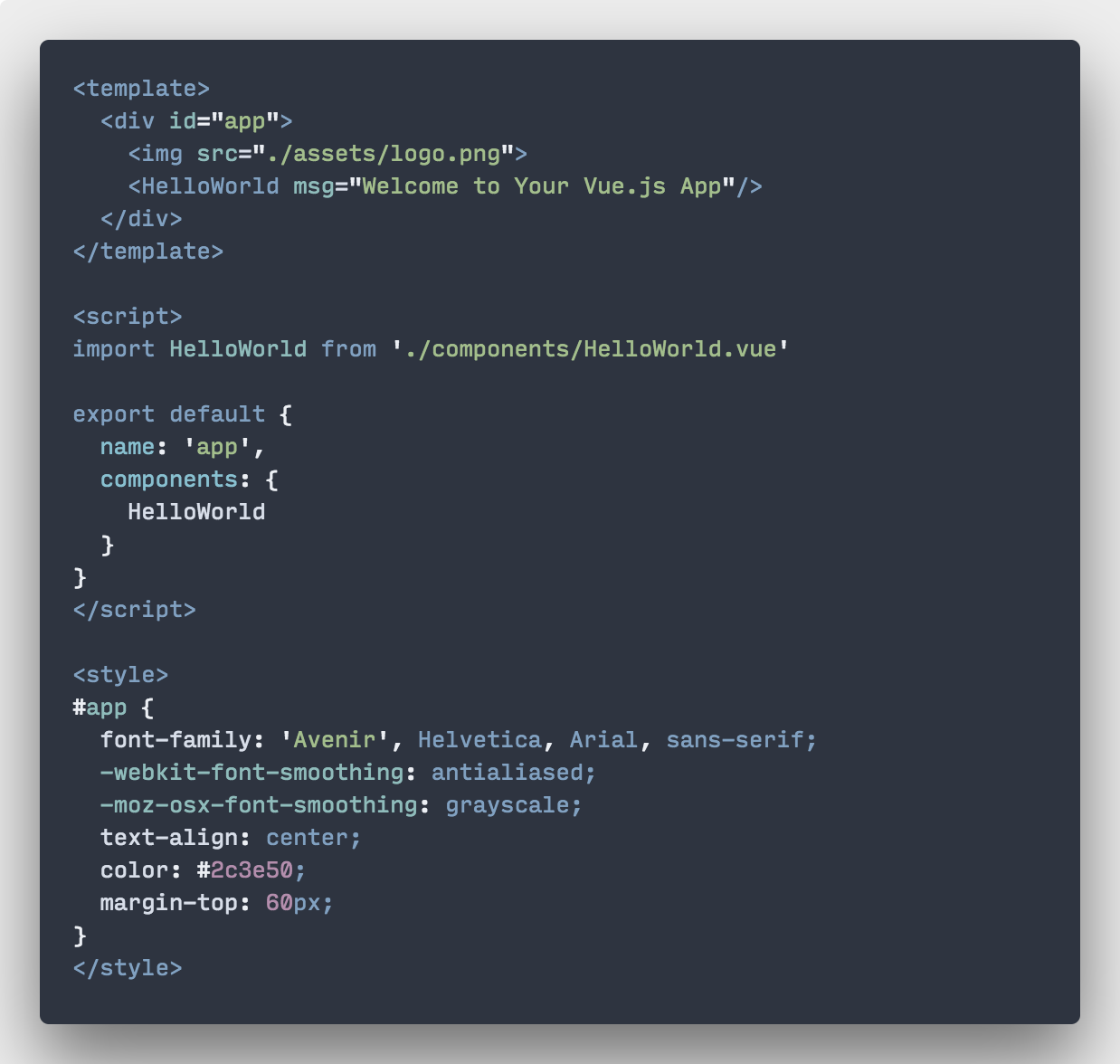
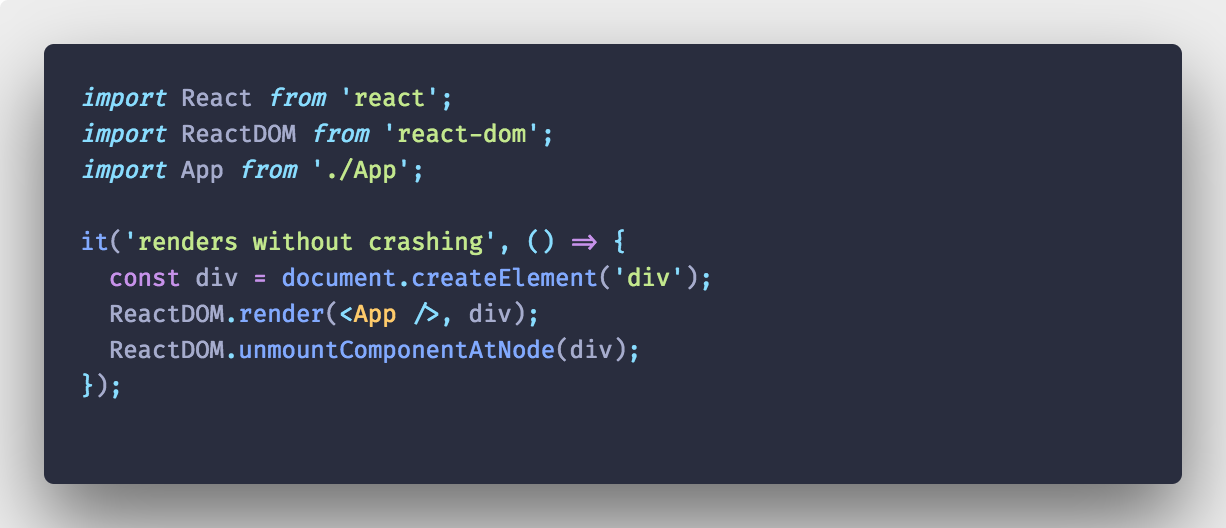
Material Theme Palenight + Fira Code
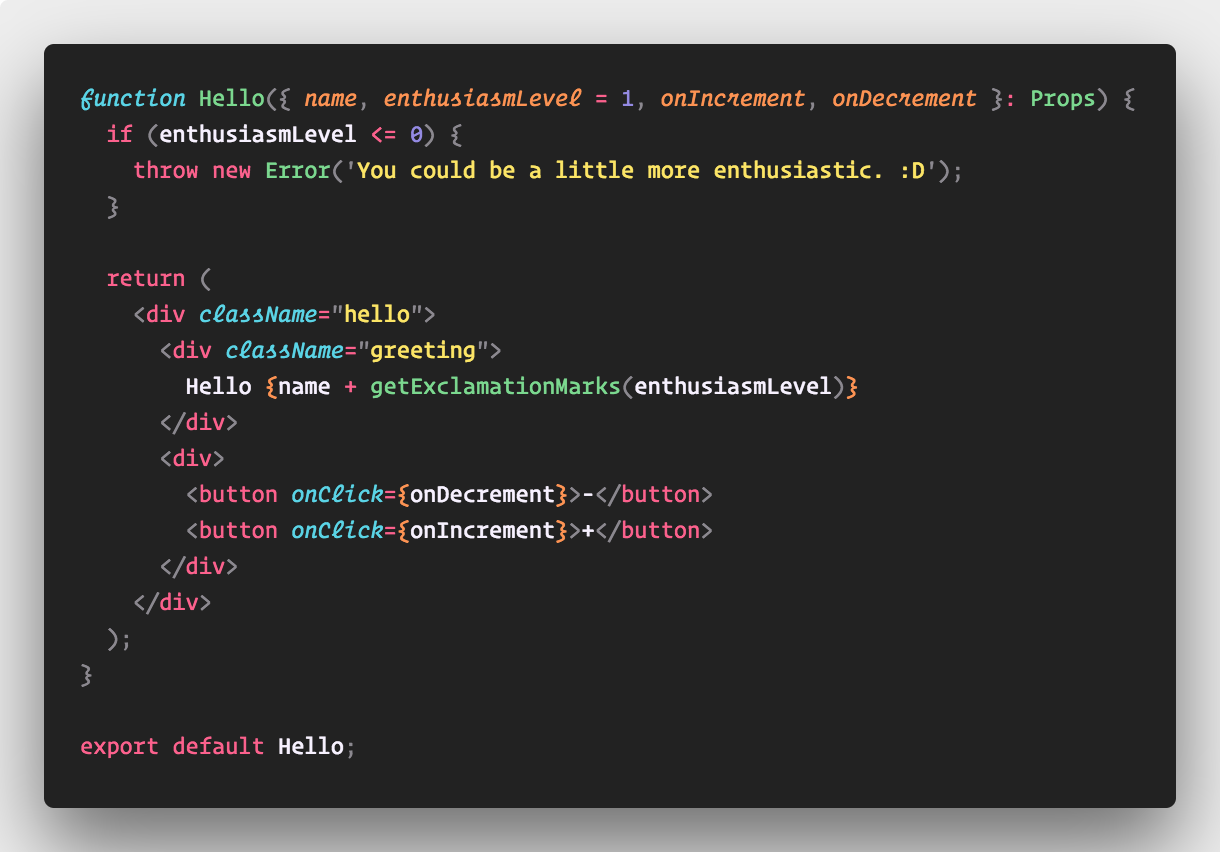
VS Code 中的 WYSIWYG Snippet -> Image converter。
保留原始的 syntax highlighting, theme and font。 所有操作在本地完成,不像 carbon.now.sh 需要网络连接。
Material Theme Palenight + Fira Code
 |
1
run2 Feb 16, 2018
👍
屏幕不够宽( 13rMBP ) 因为 Polacode 是自动分割的窗口 就更不够宽的前提下 有一部代码在编辑背景的外面  |
 |
2
octref OP  1 1
@sobigfish 打算以后加入 word wrapping: https://github.com/octref/polacode/issues/4
现在屏幕不够宽可以用 Cmd+Shift+P -> Toggle Editor Group Horizontal/Vertical Layout |
 |
4
xiqingongzi Feb 16, 2018
刚刚测试了下,建议能自动调整字号。这样就可以解决上面的大小显示不合格的问题了。
|
|
5
xiqingongzi Feb 16, 2018
不过真的是很棒的插件,我之前一直很好奇这种图片是怎么生成的。
|
 |
6
40YkEu8x0dfV6Oj1 Feb 16, 2018
很棒的插件
|
 |
7
newton Feb 23, 2018
很棒,有没有提供直接复制图片到剪贴板(不保存图片)的功能?这样可以比较方便直接粘贴到各种对话框里
|
 |
8
wikinee Nov 8, 2018
原来神器作者在这里!
|
 Select Language